Shop / Rental hosts / Vacation Rental Cleaner Schedule and Pay Tracker
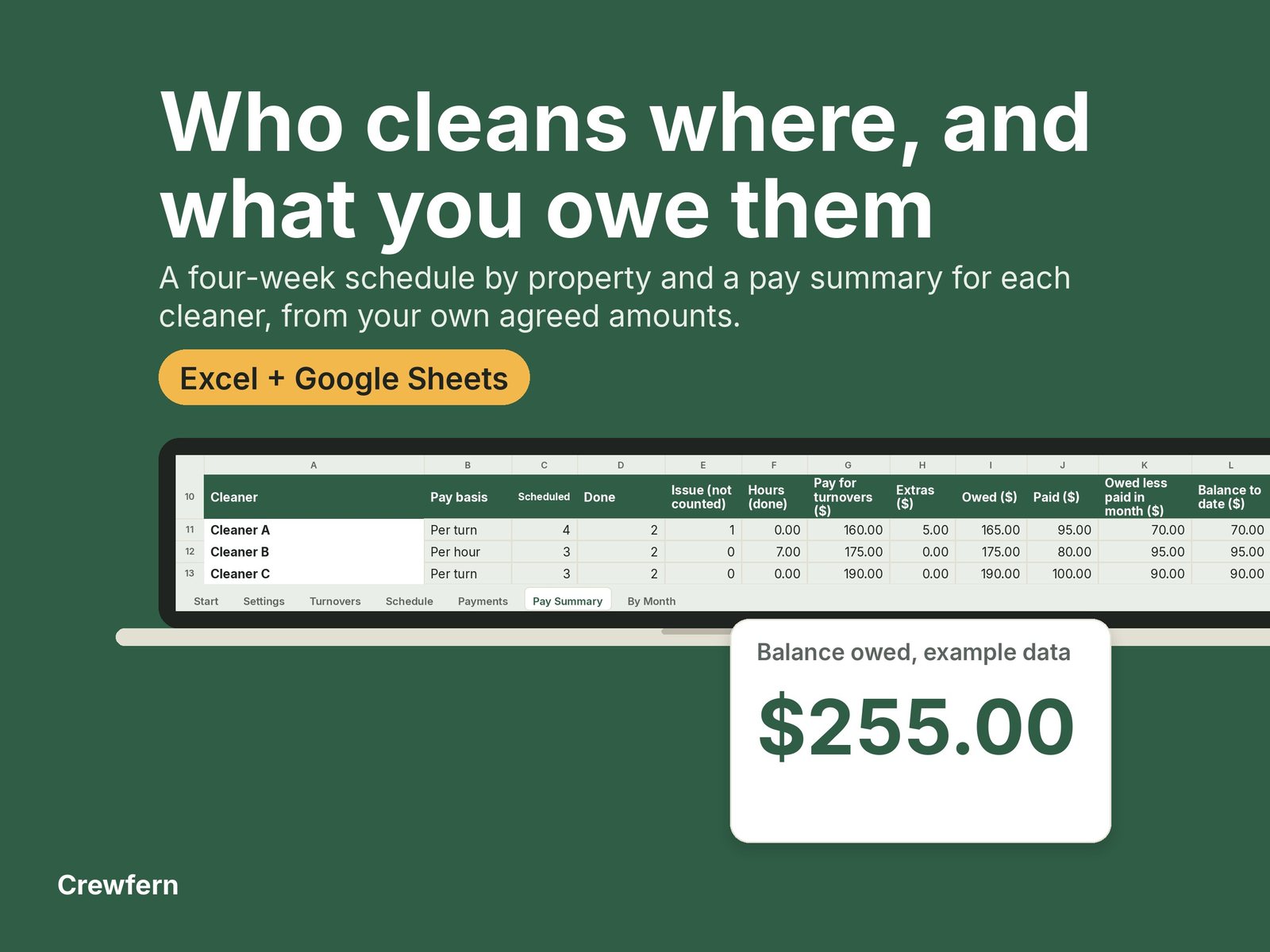
Vacation Rental Cleaner Schedule and Pay Tracker
For hosts of one to five vacation or short term rentals who use one or more cleaners and want a schedule and a clear record of what each cleaner is owed.
Instant download. One-off price, no subscription. Secure checkout by Stripe.
In the EU or UK? You can cancel within 14 days for a full refund. How it works
What you get
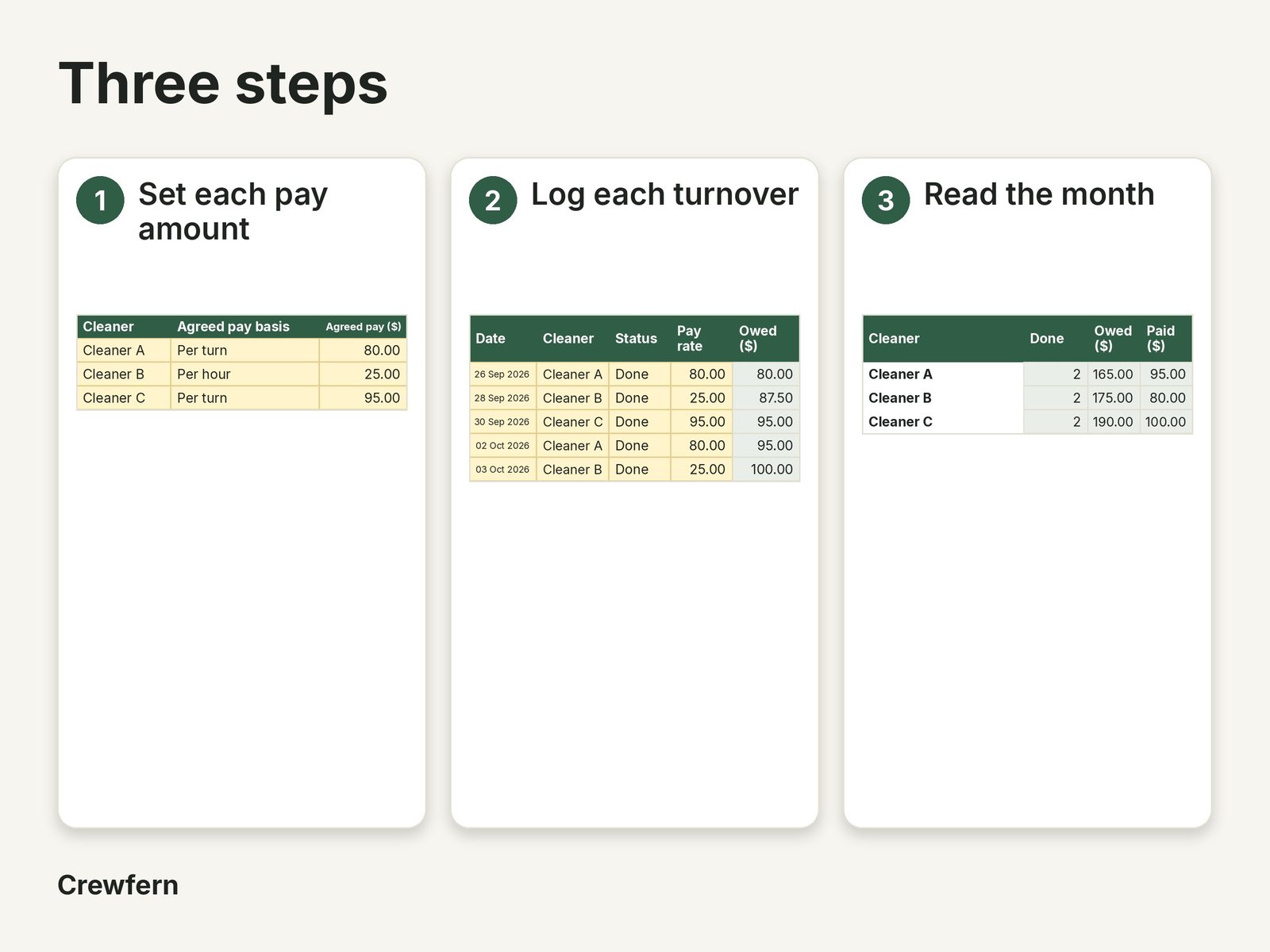
- Settings sheet for up to 5 properties with access notes and up to 6 cleaners, each with the pay basis you agreed (per turn or per hour) and the amount you type
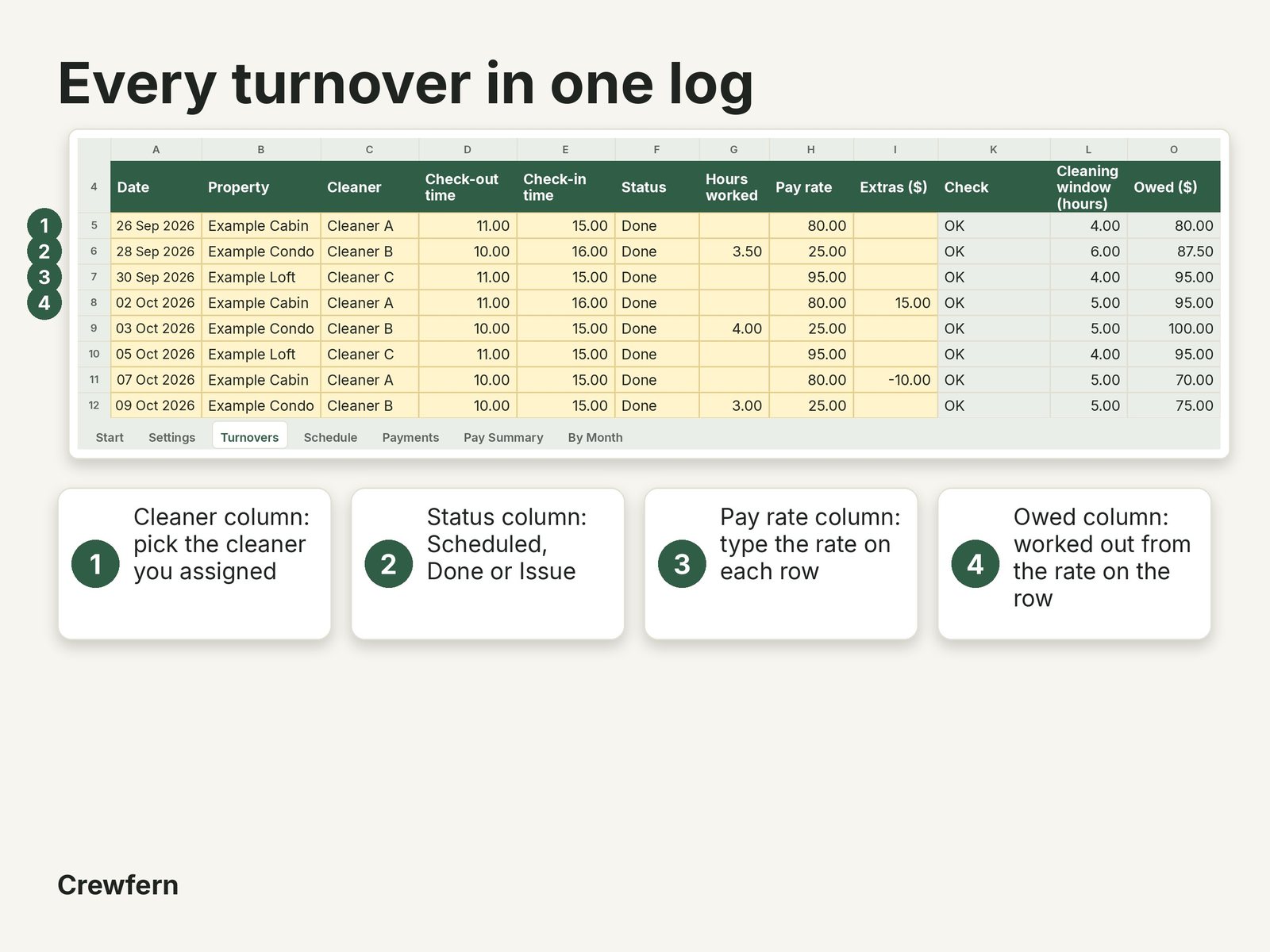
- Turnovers log for 200 cleans with date, property, cleaner, check-out and check-in times, status (scheduled, done or issue), hours worked, a pay rate you type on each row so a later rate change never changes past pay, extras and a note
- Cleaning window in hours worked out from the check-out and check-in times (a check-in earlier than the check-out counts as the next day)
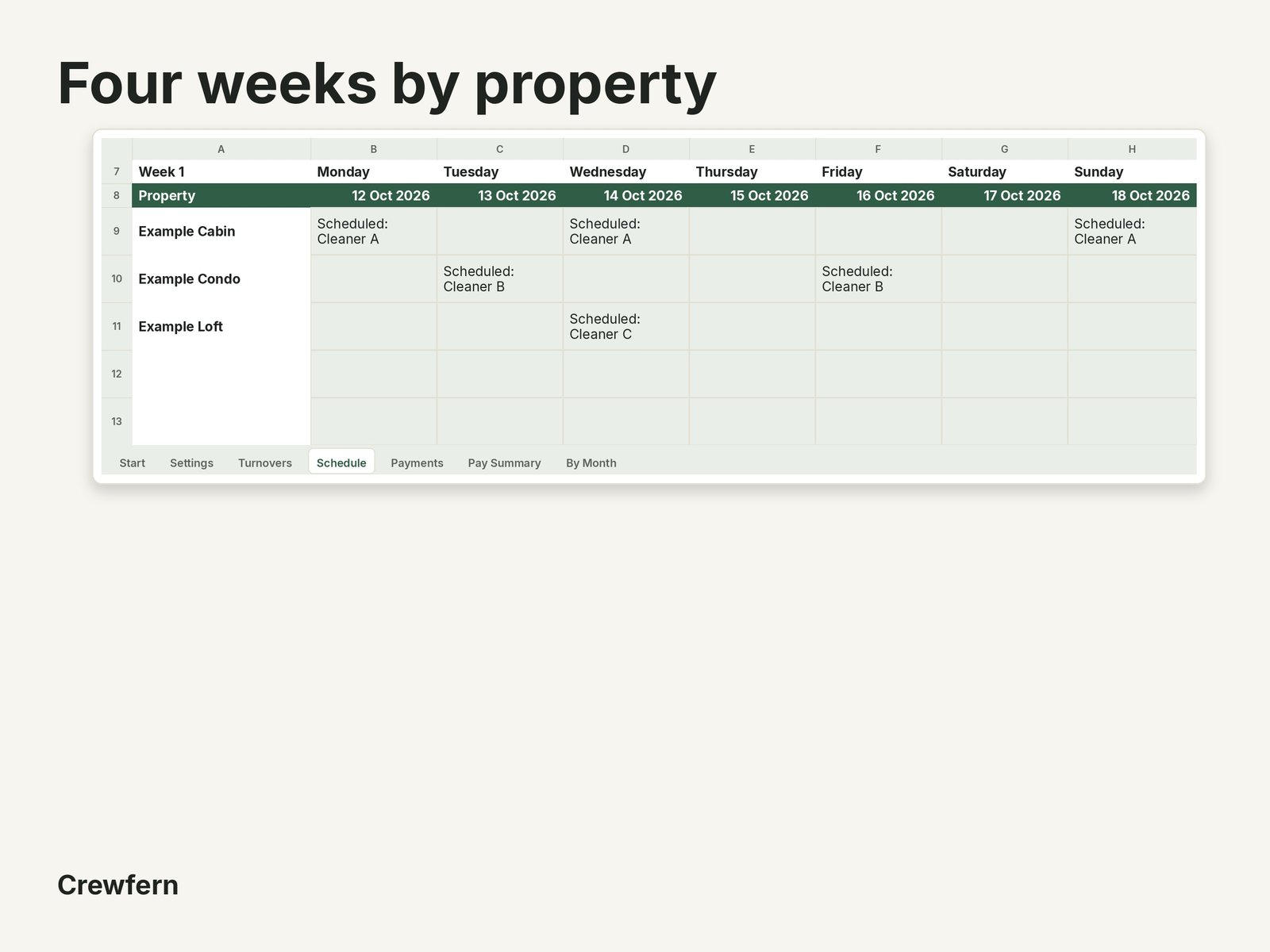
- Four-week Schedule view with one row per property and the cleaner and status in each day, with done shaded green and issues shaded red
- Payments log for 150 payments, with a minus amount allowed to correct one, and a note
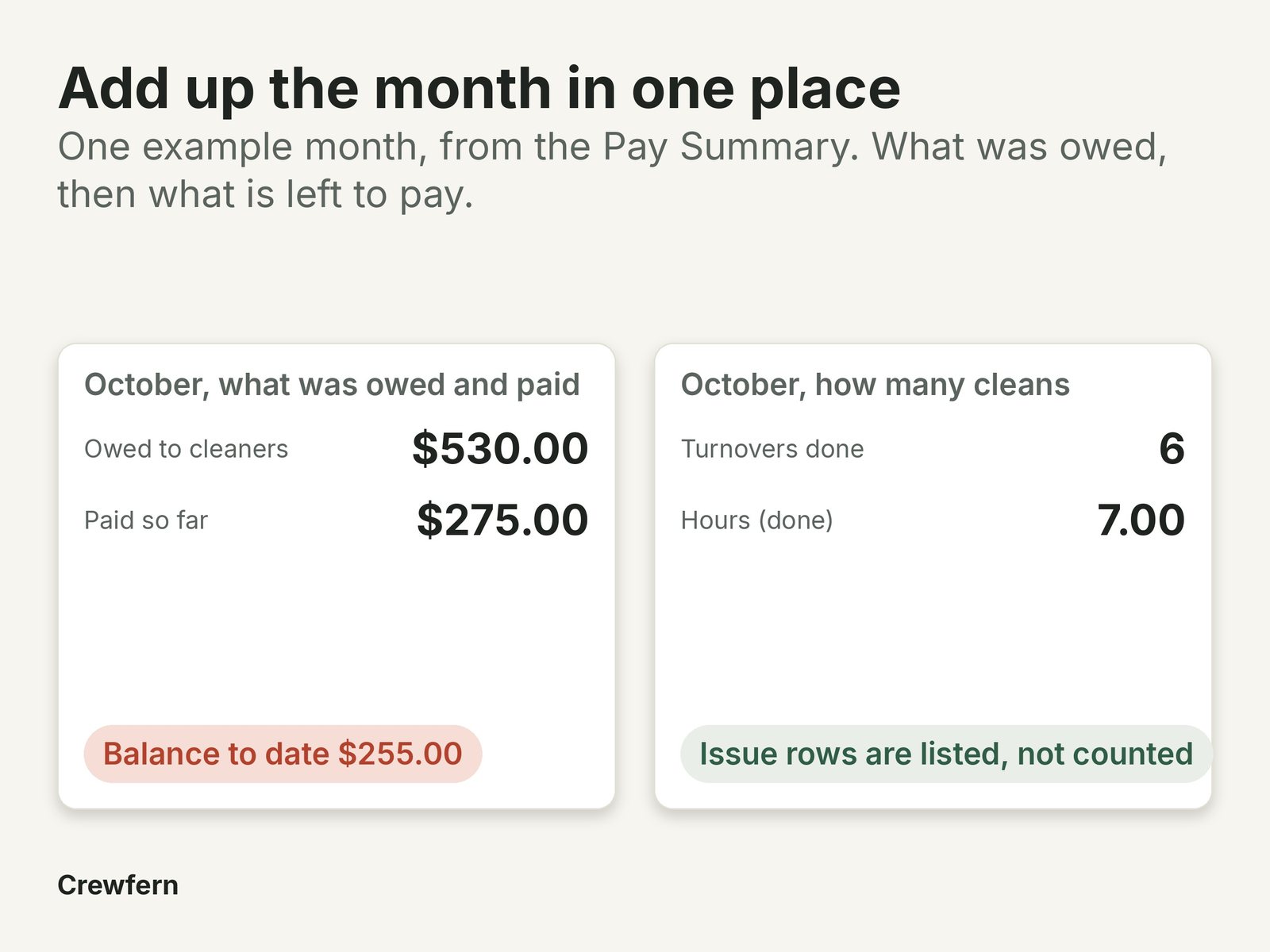
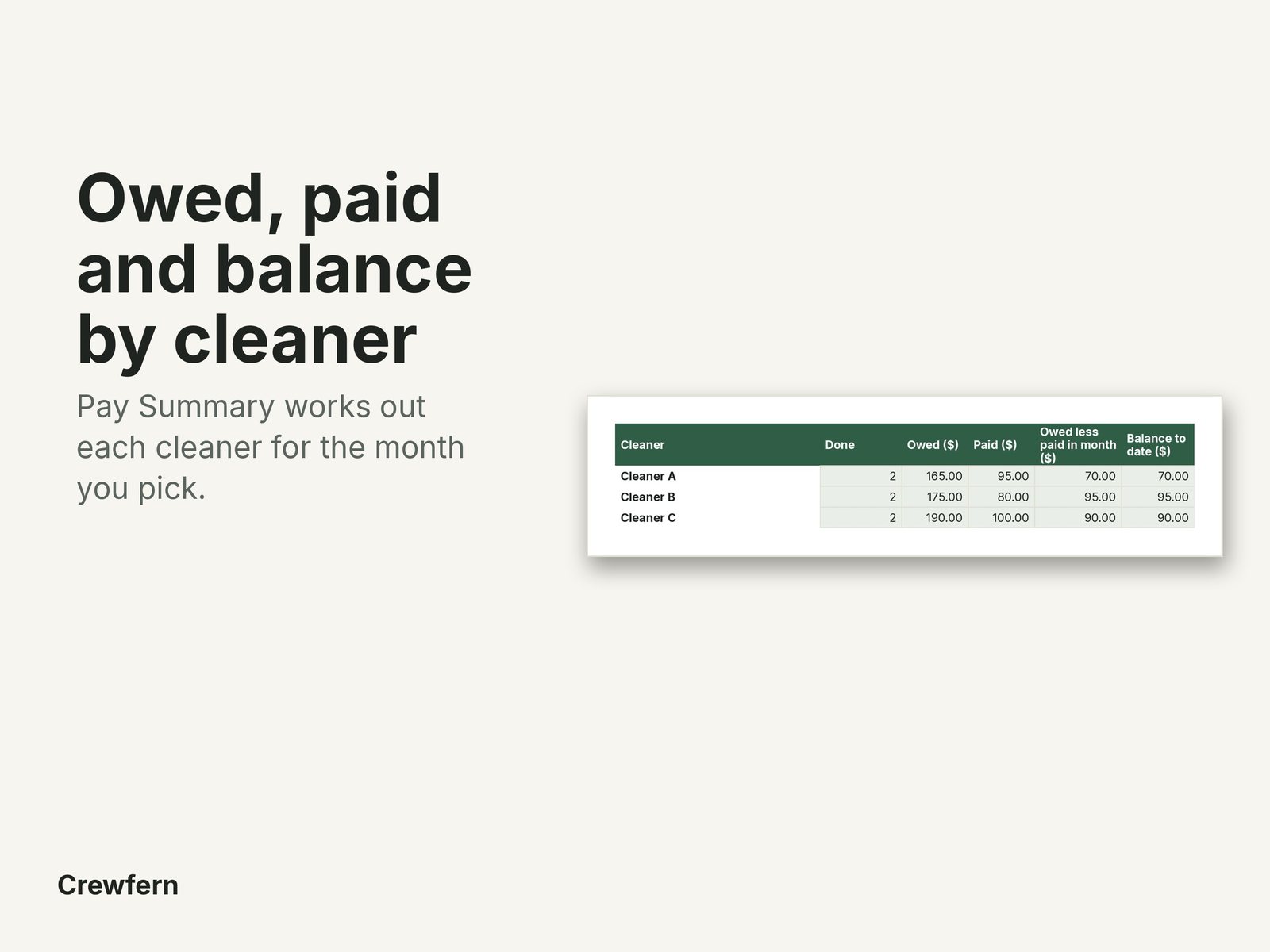
- Pay Summary for any month: for each cleaner, turnovers by status, hours, amount owed, amount paid, owed less paid in the month (by date paid) and balance to date
- By Month sheet with owed, paid and balance for each cleaner across the year
- A CHECK flag on any row with a blank date, a name not on Settings, text in a number cell, times or hours typed as 3:30 or missing hours, with the number of flagged rows counted so nothing drops out unseen
- A warning when a log is full, and locked formula cells so they are not overwritten by accident
- Example properties, cleaners, turnovers and payments so you can see how it works; every pay amount is yours to type, with no built-in rates
See inside
Files included
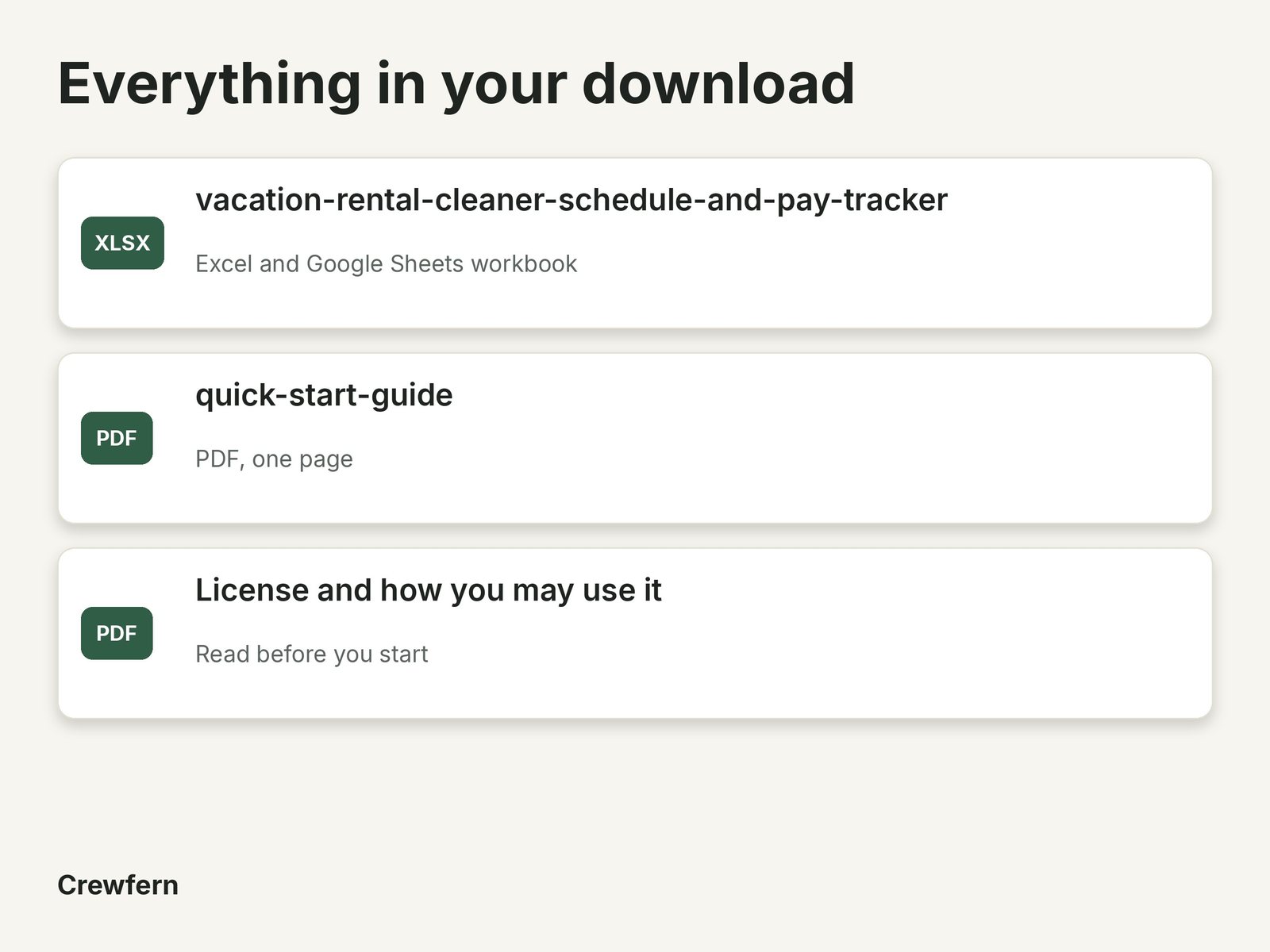
- vacation-rental-cleaner-schedule-and-pay-tracker.xlsx
- quick-start-guide.pdf
- README and license (PDF)
How it works
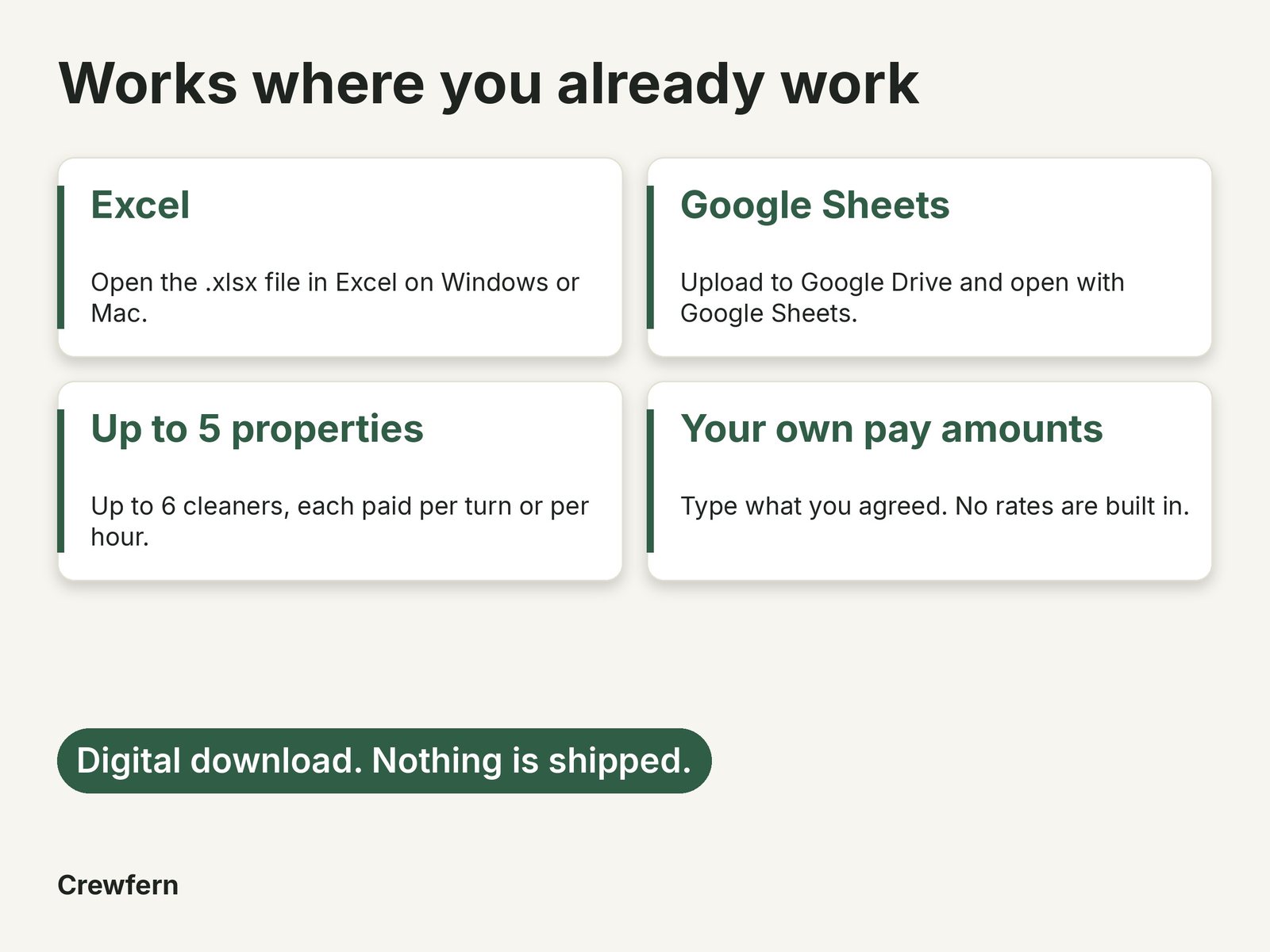
Download the files after purchase, open them in Excel or Google Sheets, and follow the Start tab. This is a digital download; nothing is shipped. Important: this is a general business template, not financial, tax, legal or accounting advice. Check the figures and terms for your own situation.
- Sold by MOMAME PTY LTD, ABN 54 678 334 168
- Secure checkout by Stripe
- Instant download, nothing is shipped
- Faulty or not as described: we fix, replace or refund. Refund policy
Questions
What do I get?
Digital files only, downloaded after purchase. Nothing is posted. The listing names every file and its type.
What do I need to open the files?
Word for .docx, any PDF reader for PDFs, Excel or Google Sheets for spreadsheets. The listing says which each product uses.
Who handles payment and tax?
Stripe processes your payment and handles tax at checkout. Prices are in US dollars (USD); your bank may convert at checkout.
Can I edit the files?
Word and spreadsheet files are made to be edited. PDFs are for printing or reading. Formula cells in spreadsheets are locked.
Do they work on Mac, phone or Google Docs?
Yes on Mac with Word or Excel. Google Docs and Sheets work using File, Import. Numbers can change formulas. Phones can view files, but a computer is easier for editing.
Can I use them for more than one client?
Yes, for your own business. Please do not resell, share or give away the files.
Will I get updates?
Not promised. If we fix a file, we will tell buyers where we can.
Are these legal advice?
No. They are general templates. Check them with your own adviser, especially contracts and policies.
Can I get a refund?
Not for a change of mind, as these are digital, unless you are in the EU or UK: then you can cancel within 14 days for a full refund (see the refund policy). If a file will not open, is missing, or is not as described, we will fix, replace or refund. Your Australian Consumer Law rights are not affected.
How do I contact you?
Email support@crewfern.com with your order number. We aim to reply within 2 business days.